
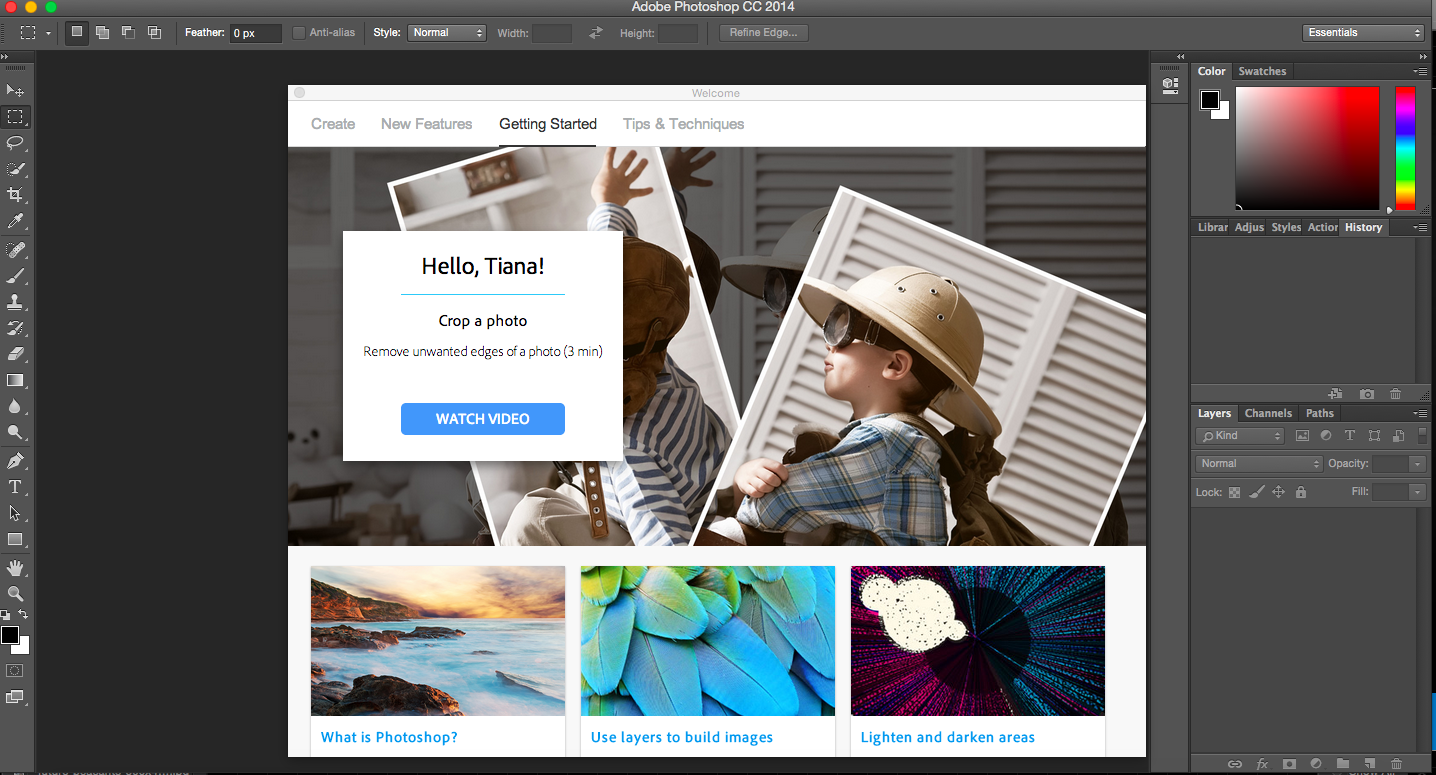
For the first time in 10 years, I bought a legitimate and updated copy of Adobe Photoshop. In the past, I’ve always had either versions that came with cameras or less than reliable versions I’ve downloaded from the internet. I decided to subscribe to the photography package that includes Adobe Photshop CC and Lightroom 5 for $10/month.
Even though people criticized Adobe’s move to the Cloud I found many advantages:
$10 month is affordable. In the past, each iteration of Photoshop would cost like $500. Even previous copies of Lightroom costed around $200 on it’s own. At $10 a month, this would only be $120 year. I feel that the only people who complain about this pricing are people who’ve probably never bought it in the past.
It will always be the most updated copy. For $120 year you can always have the most updated version instead of forking up more money to own a piece of software. People need to let go of the idea of ownership in software.
There are some awesome upgrades from CS6. Camera shake reduction, smart sharpen, perspective changing are some unique advantages to the Creative Cloud software.
The option to save things on the cloud. Each subscription comes with 20GB in Adobe’s Cloud so you can always have your projects on hand. There are also mobile apps that allow you to continue working on your devices.
It can be installed on two computers. When you buy a Creative Cloud license you can have it installed on two computers regardless of operating system, so you don’t need to worry about buying the right discs.
It’s convenient and safe. No more disabling updates or using dodgy practises to change a computer’s registry which can affect the longevity of a computer.
For the price of one less burger a month, I can have the best photo editing software out there in my arsenal.

 Tiana Feng