Do I Still Use Siri?

The 4S was my first iPhone and like everyone else I was captivated by Siri. Like everyone else, the first thing I did was ask it arbitrary questions.

What are you wearing?

What is the meaning of life

I soon realized that there were limitations to what Siri can do and that the commercials were overly glamorized. Here in Canada location services are unavailable, meaning we can’t even ask where the nearest restaurant is. Nor set location-based reminders.

So, what do I use Siri for?

I’ll tell you that I definitely don’t use it for texting. My message always comes out gibberish and nonsensical. You know how in the Siri commercial the guy is running and telling his iPhone to text a message? That’s impossible. Have you ever tried to clearly say a sentence while running? I don’t have an accent,(at least I’m pretty sure I don’t) but it can’t get my message right when I’m sitting still. To make matters worse, my boyfriend’s name is Nash which always comes out as “mash”.

He is doing the impossible

As a tech nerd, I decided to expand the capabilities by jailbreaking my phone and adding a little tweak called AssistantExtensions. It allowed me to do many things like tweet from my phone. However, for the same reasons as messaging, I don’t use it to tweet. You also can’t edit tweets, so whatever drunken gibberish was typed would send to all your followers.

So, do I still use Siri?

Yes, I do. I use it to set reminders, alarms and timers, mainly because I haven’t actually figured out how to set them manually yet. I also ask for the weather when I’m lazy to google and let it call people when I don’t want to sift through the phone book. However, it doesn’t always reach the right person, resulting in some really awkward phone calls.

Lastly, I use it to open programs. It’s one of the hacked tweaks but it’s quite useful since I managed all my apps into folders and sometimes can’t remember where I put them. If I yell “OPEN FACEBOOK!”, it will do just that. I won’t however do this in public. After all, I still think Bluetooth people look crazy, and I haven’t seen anybody yell at their 4S’s just yet.

Lessons I Have Learnt from Draw Something

Really horrible drawing I did of Elvis

If you don’t know already, Draw Something is the new mobile game sensation. It’s basically a set of Pictionary that you can play with your friends who have Apple and Android devices. I have been playing it for a couple of weeks now and through observation I have realized and learnt many things.

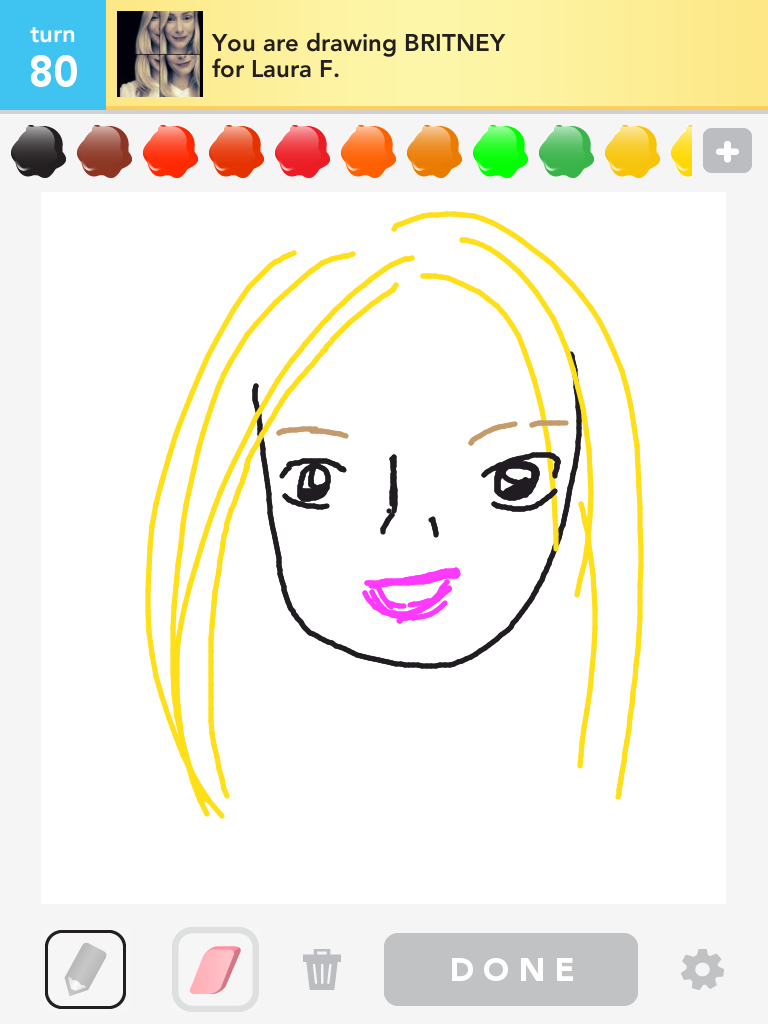
Celebrities are really hard to draw. I try my hardest not to use words when I am drawing clues. I think it’s cheating. However, when you get hit with a celebrity, it can become hard.

This is Drake, boyfriend didn't get it.
Name the first generic blonde person you can think of!

People draw people that look like themselves. Whenever the drawing requires the use of a person to describe something, they always seem to look like the person who drew the picture. I’m guilty of this too. My people always look like the doodles of me that I do on My Life In Drawings. Other people do this too though. My friends who have blonde hair draw blonde people. Those that have curly hair draw curly haired people. Even if it takes an extra step to do these things.

Guess the hair colour of the person that drew this.

It can be used as a genius marketing plan. Companies should insert their names into this game. Subliminal advertising after all. And hey, if your logo isn’t recognizable for anybody to want to draw it, maybe you should do something about that.

Puzzlejuice Crushed!

It has been a while since I beat an iOS game on my iPad but I started to look for short ones I could play on my iPhone when I had short periods of free time. Puzzlejuice is my most recently finished. It’s a hybrid mix of Boggle and Tetris requiring you to be constantly thinking of two things at once.

There are goals to achieve that unlock certain powerups that can be used in each game:

Dear Pinterest, You Used to Be Cool

I remembered when Pinterest was beta and it was like an exclusive club where recipes and ideas were shared visually. I loved it. It was a place to look for inspiration when it came to food, crafts, fashion and decorations. Now it almost seems nothing more than another place where people can advertise.

What Will I Look Like When I’m Old?

I blame curiosity on this post. Like most people, when I came across Aging Booth in the App Store, I was well curious. What would I look like as an old lady? Well the answer is this..


The one asian stereotype that I hope I do fall under is that I will look 20 forever and the above photo does not happen.

Space Invaders Infinity Gene Finally Blasted!

It’s been a while since I’ve beaten and posted about an iOS game. I end up getting way too excited over games and download WAY too many of them. I’m slowly getting through the ones I currently have before I get any more. One game I have finished was Space Invaders Infinity Gene which is available in the iTunes store for $4.99. It’s well worth the money as it has some amazing replay value even when it’s been beaten.

Closed vs. Open Systems

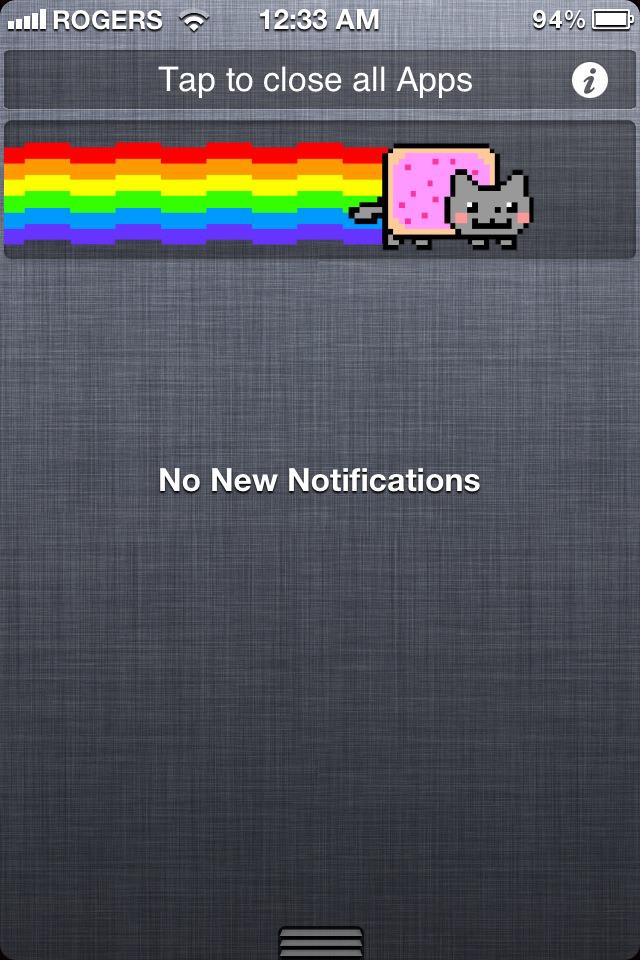
look my notification has a nyan cat!
I finished the Steve Jobs biography the other night. It was a very insightful read on both his mind and his influence on the product world. He was so obsessive-compulsive in controlling the entire user experience: from the packaging, the stores, the physical product and the software. Immediately upon finishing the book, for some reason I jailbroke and tweaked my iPhone 4S.

Nerd Accessories: The iPhone Mirror


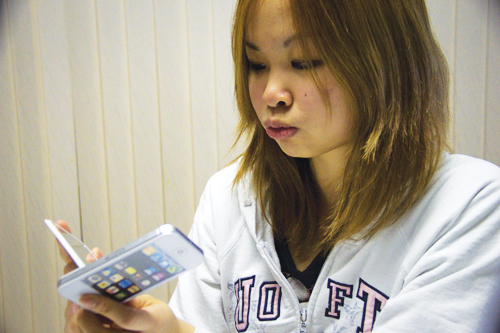
I have developed a recent addiction for buying things that look like other things. The most being this compact mirror that looks like a replica of an iPhone.

Stealing Internet Is Customary


If 10 years ago, you asked me if you could use my internet I would probably cringe a bit since: 1) It would take up my bandwith, 2) It would take up my phone line. Also, if someone were to ask back then, I would have probably assumed that they didn’t have internet at home.

Before the inventions of smartphones, unless you were having a LAN party, you probably wouldn’t have brought your laptop over to someone’s house to use their WIFI. Now, stealing internet is customary.

Awesome Note for the iPad

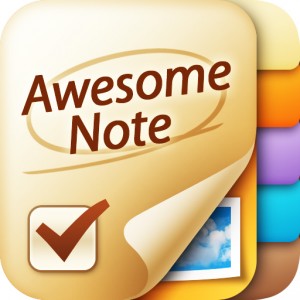
If you’re a notebook addict like me, you might be interested in some of the options available for the iPad. My favourite is Awesome Note by Bridsworks. It goes for $4.99 in the iTunes App Store, but it’s worth every penny.

There are a bunch of free options for notebooks available in the app store but the functions on this one aren’t really comparable. I love the colourful folders and themes available for each page. They are also constantly updating it with more features. There are different types of notes where you can add photos, text, send to friends, add links. There is a calendar where you can keep track of when you wrote what, or did what. And if you don’t want someone to read something, you can add a password-locked diary. It’s a fully functioning notebook that can probably replace all the notebooks a notebook addict has at home.


However, I still prefer to touch actual books.