When I moved downtown in October, I had no plans to get Cable (or Satellite TV). I felt like I could live without it and now I have convinced my parents to do the same. We no longer pay for the juggernauts that is Rogers (or Bell) to provide us with daily entertainment.
We all thought that we’d miss out on important things like news if we cut the cord. But when was the last time anybody got “Breaking News” from the tube? We hear it first on social media, or read it from the internet. My parents now have an Apple TV & an Asian equivalent of the same thing. We also have a Chromecast. For my own apartment, my laptop is my entertainment center. I caved in and got a Netflix subscription. I learned how to VPN with Hola so I could watch the American show.
Not having a TV has encouraged me to do other things too. I used to have the TV on when I blogged most of the time, but that’s a little bit harder to do when you’re also typing on the same computer, so I don’t. I blog in silence and it helps me pound out content quicker. Now I tend to only watch shows while eating dinner or before bed. Not while doing anything important.
It seems like a lot of people have decided to cut the cord this year. Have you? I’d like to know!
As I rode the subway to work this morning I realized, I had left my phone at home. It was the worst. I had an uncomfortable empty feeling inside. I kept compulsively checking my pockets throughout the day.
Throughout the day I kept wondering if I was missing calls or important texts from friends and family. The world seemed so tweetable. Everywhere I looked I wanted to make funny commentary or post photos to my online friends. People with misspelled t-shirts, funny dogs, overheard conversations. The catch 22 is that I may not have even noticed those things normally if I was looking at my phone.
The one thing that bothered me the most is that when I was commuting, I had no concept of time. After having a phone, I was no longer wearing watches. I had places to go after work and almost leaned over to look at someone else’s phone to check the time. I thought someone would think I was crazy if I asked them for the time. I mean, who does that anymore right?
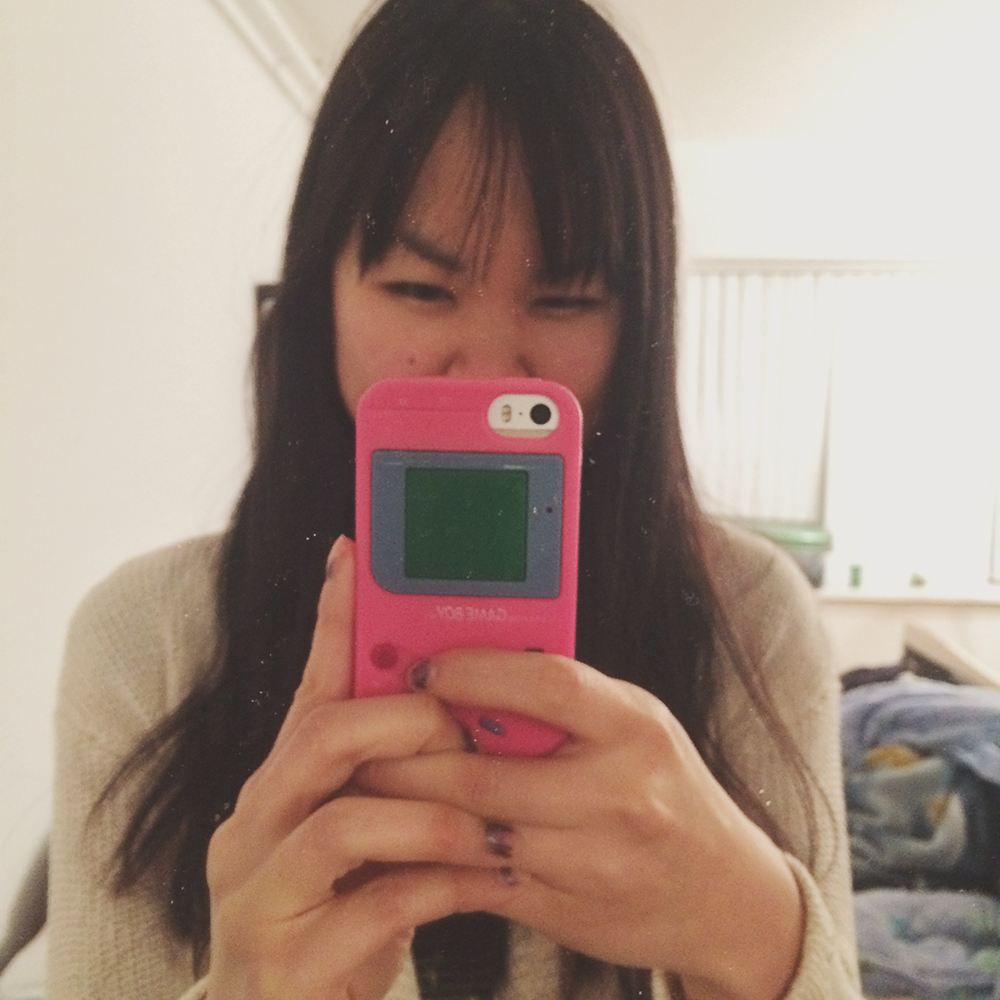
Mostly I didn’t know what to do with my hands a lot of the time. I forgot my book, gameboy and my mp3 player had also ran out of battery. At work, I was fine. I didn’t really need my phone and I might have even been more productive since I didn’t need to check it all the time. I did receive a package I really wanted to take a photo of. I ended up searching for “online webcams” (which I don’t recommend doing at work) so I could somehow use the webcam on my work computer. It’s amazing how convenient having a camera on your phone is.
Anyways, I learned that I will never forget my phone again. As nice as it is to be “sort of” unplugged. It creates more anxiety than it is worth for me.
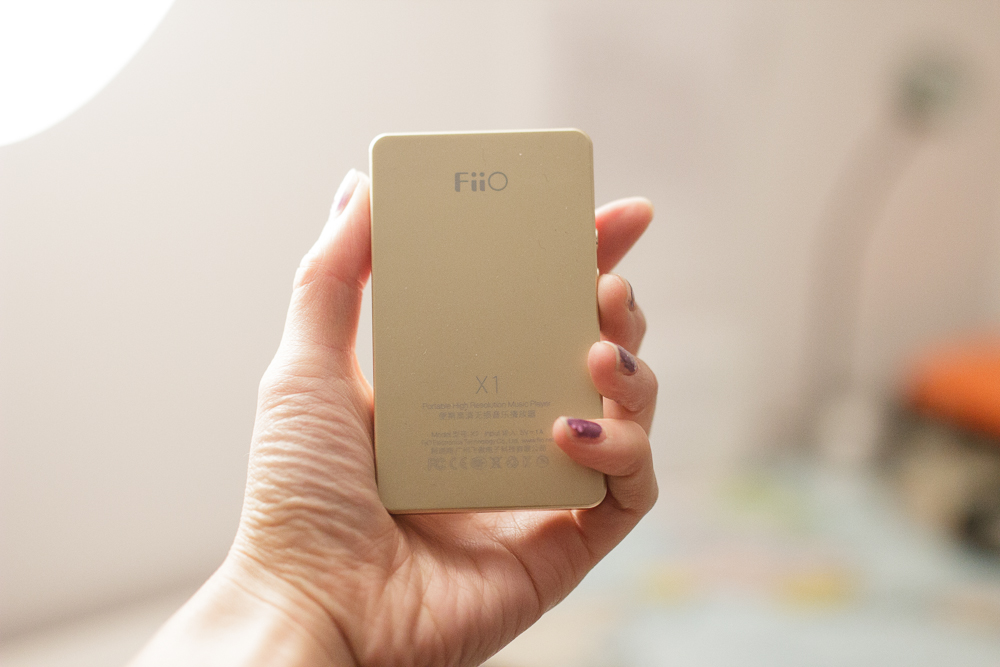
A few months ago, I left my beloved iPod Classic on the subway. I then waited way too long to buy a new one and the classics were now discountinued. This left me with not much option in terms of iPods. Spending $300 for an iPod Touch didn’t seem to make much sense since I had an iPhone, while the lower ones lacked enough space to hold my entire library. I then turned to the internet to research affordable high-end mp3 players and concluded that my best choice would be the FiiO X1 player at $99.
I bought it in gold (silver is the other option). You can watch me unbox the thing here:
Inside the tiny packaging, there were a ton of accessories that I didn’t expect it to come with: 3 screen protectors (1 of which is already on the screen); a silicone case; 2 sets of decorational stickers. Oddly enough it does not come with earphones. You also have to purchase a micro-sd in order to use it as there is no internal storage. It supports cards up to 120GB.
The player looks a lot more expensive than it’s $99 price tag. There aren’t that many instructions that come with the machine, but it’s fairly easy to use. Here are two tips for future FiiO owners:
– You must go into the system settings and hit “Storage Formatting” on your new SD card if you wish to use your own SD card reader instead of the cable to transfer songs.
– Every time you transfer songs going to “Update Media Library” in the system settings is recommended as it refreshes all the album information. Otherwise, songs only shows up in the list of all your mp3s.
Besides the above, everything is basically drag and drop. You can drag your entire iTunes library (or whatever library you use) onto the SD card and leave all folders in tact. It plays FLAC, APE, ALAC, WAV, WMA, MP3, AAC and OGG files, with up to 192-kHz/24-bit resolution. I can definitely hear the sound difference. Everything is more crisp, clear and loud sounds don’t clip. I also hear a certain warmness of each artist’s recording setting that I didn’t pay much attention to before.
Album covers display, but only if they’ve been part of the original mp3 meta data. What this means is that if you did the “Get Album Artwork” thing in iTunes, it probably didn’t embed itself in the metadata, but elsewhere.
The battery lasts very long (12 hours I think) and the system preserves it well. The screen automatically turns off after a certain time and it also turns itself off. The buttons take time to learn but really once you understand how to hit enter (centre button) and go back (top right), the rest don’t really matter. $99 is totally a steal for this thing!
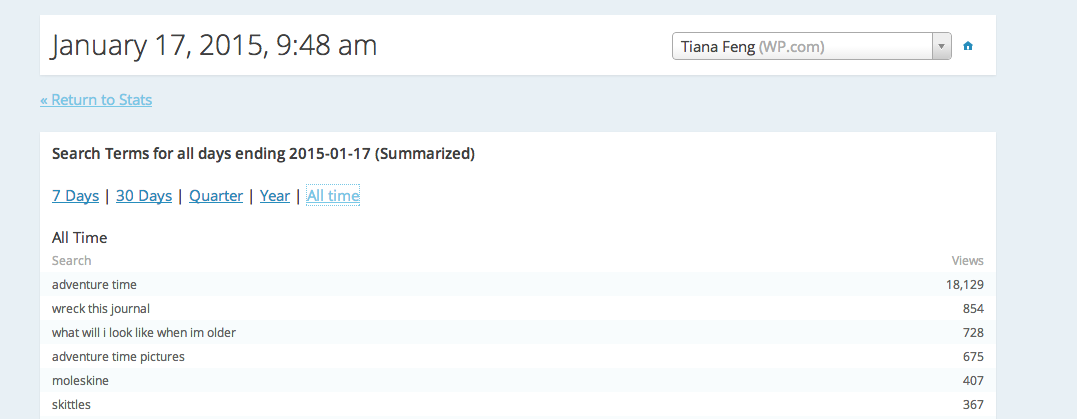
One of everybody’s favourite things about having a blog is looking through the stats. Specifically, the Google searches that have landed a person on their own blog. Most them here are quite normal. I get a lot of people who were looking for Adventure Time or specific restaurants.
But sometimes searches can be bizarre. Here are a few weird ones:
“Tiana disgrace”
How the hell did this lead you here?
“Asian stereotype”
I like to think I don’t live according to stereotypes
The new year is a perfect time to do some cleansing, to have a fresh start on all the information you receive online. We’re constantly subscribed to receiving an overload of information. Now is the time to delete them. Here’s where you can get rid of some junk:
• E-mails: Unsubscribe from e-mail lists of stores you don’t go to, musicians you don’t want to follow or just lists you’ve pressed delete on the last few times. Don’t kid yourself, the one time you unsubscribe, you aren’t going to miss out on a deal you actually want. It’s also a good time to realize what lists you didn’t actually subscribe to. Since last July in Canada, it’s actually illegal to continue contacting someone if they unsubscribe from your list.
• Apps: When was the last time you checked your phone to check what that Hay Day notification is saying? Turn off those notifications if you don’t listen to them or better you delete the apps you don’t use.
• Social Networks: Is there someone who really gets on your nerves on every Facebook status update? Maybe it’s time to unfriend them, or at least unfollow them. Clearing out Twitter feeds of information you don’t find interesting can make way for things that are more valuable to you.
We’re inundated with so much information that it’s important to look back at what we’re subscribed to in order to regain some sort of sanity.
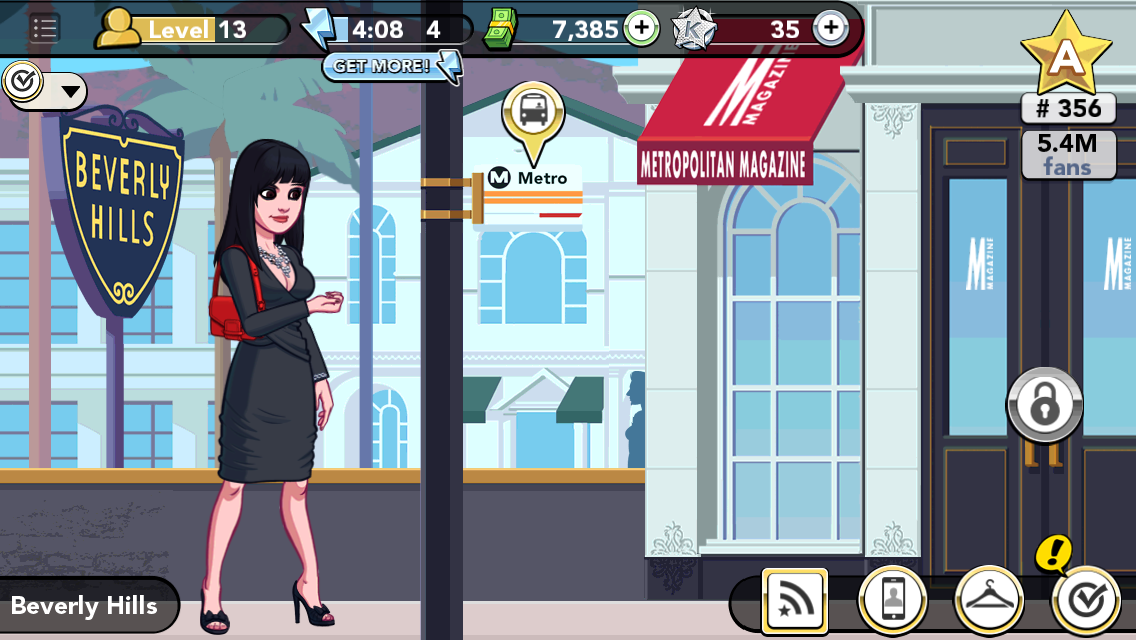
A few months ago as a social experiment (fine I sort of wanted to play it), I downloaded Kim Kardashian: Hollywood. The beginning of the game was fast moving. There were tons of things to tap on. I worked in a clothing store, bought a house, bought furniture, dated boys and then Kim Kardashian started invited me to parties in different cities. After a few hours of play, it started to get a lot slower and my energy bar needed to be refilled. Obviously, I didn’t play to pay the game. But I wanted to know if it was possible to get on the A-list without spending money.
Energy refilled every few minutes. However, without premium money I couldn’t do things like make connections with people at bars or pursue a serious relationship. People didn’t seem to want to talk to you very much unless you had money. This resulted in the A-list being a bit harder to reach. Some fancy clothes also cost premium dollars. I decided to pursue the game wearing things that I would actually wear in real life. After a few weeks, I did make the A-list and quit shortly after.
I don’t know what lessons were to be gained from all this. Be yourself? Or probably, don’t waste money on pretend things in a superficial game.
Last week, Instagram went through a giant purge of bots. That meant a great deal of users lost followers in some way. Some lost thousands. I only lost 40, but it still felt like a lot.
I’ve never ever bought followers nor am I a huge user of hashtags, because I know they contribute to a lot of the bot numbers. But I guess they still managed to find me in some way. Instagram’s not like Twitter and there’s not so many tools out there for moderating your contact list (nor do I trust most that exist). I’ve never really used any strange “marketing techniques” to garner any of my current followers (on any social networks). I am a very big advocate on the attitude of “if they want to follow you they will”.
I’m a very big believer of influencer marketing, a topic that is now of heavy debate in Singapore. I think that’s what prompted me to write a post on the matter. This Instagram purge was very necessary for the network to know it’s real users and to reveal who their true influencers are. While Instagram still has yet to be infiltrated with ads, it has a lot of potential to be very valuable to advertisers. Hell, the other day I saw my first “sponsored ad”, one by Ferrero Rocher, my favourite chocolate in the world. How they knew that, I don’t really know. All I know is, Instagram’s ad network will be very targeted.
I’m not freaked out about social media and advertising. I’ve kind of always dove nose-first into it. We make unconscious decisions about everything we purchase and are surrounded by ads and marketing almost everywhere we look. I will just remain being myself everywhere online.
There’s no doubt that the food scene here in Toronto is huge. There are plenty of restaurants, events, bloggers, apps etc that cater to all kinds of food lovers.
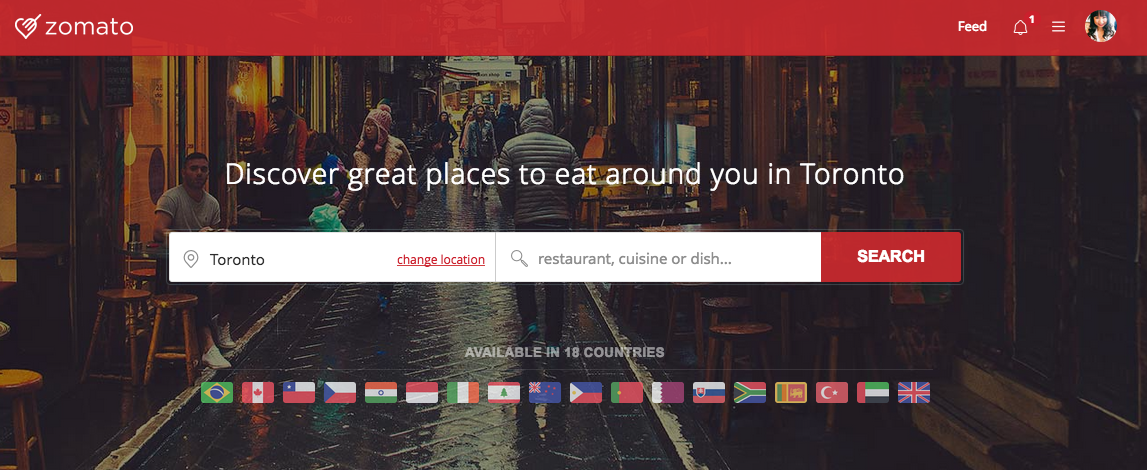
Recently, I became a blog partner on Zomato, a new restaurant discovery service that is impressive enough to take out Yelp and Urbanspoon. What makes Zomato different is that all the information collected on restaurants is done by actual people (working for Zomato). This results in accurate and up-to-date menus, phone numbers and existence. So many restaurants come and go on a weekly basis that this information is vital.
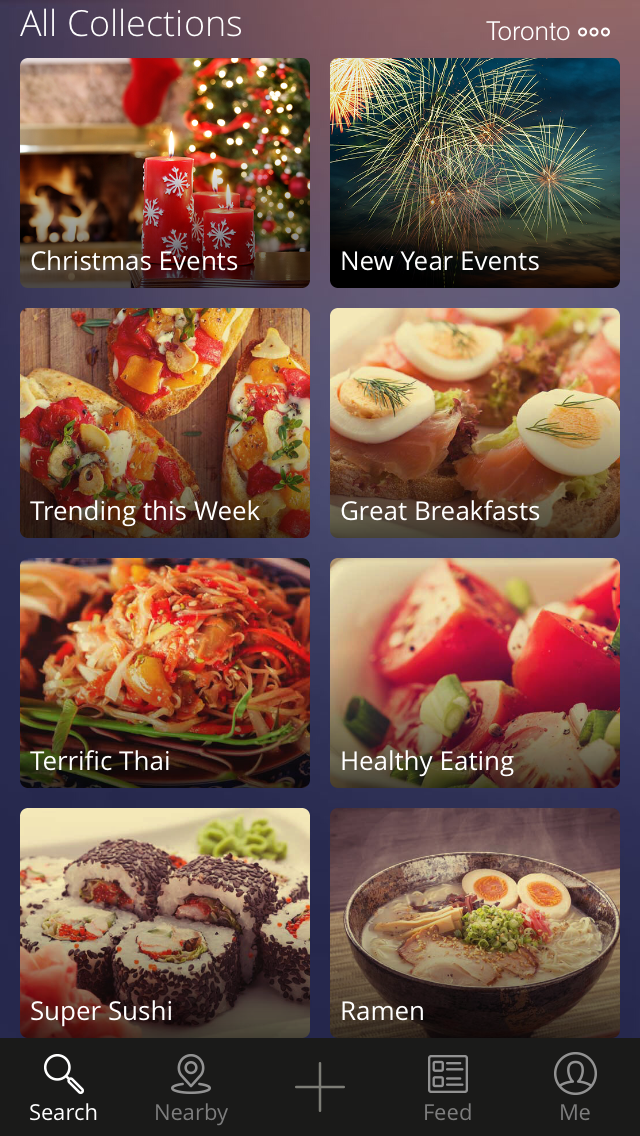
A unique feature to Zomato are it’s Collections, a series of curated lists with a common theme. Current ones include “Christmas Events”, “Great Breakfasts” and “Terrific Thai”. They also have an app as beautiful as the website. Users can bookmark restaurants, upload photos, call restaurants and more. Refined searches are available where users can circle (or heart) part of a map and discover the type of cuisine they are looking for in the area.
For those looking for something to cure that Foursquare itch (because Swarm sucks), Zomato also has a check-in option! It has it’s own social network where users can follow others and “heart” and comment on photos and more. I’m a newer user to Zomato but I’m enjoying it so far and already have so many restaurants bookmarked.
I had the pleasure of hanging out with some of the Zomato team, and they are awesome people but more on that later!
If you’d like to follow me on Zomato you can find me here:
I don’t think I mentioned this previously, but last month I made a big leap and moved out of my parent’s house for the first time (going to University didn’t count). It was also the same month I had the important trip out East to my best friend’s wedding so I decided not to hook myself to internet until I returned.
That explains why I haven’t been posting as frequently as I used to here (and elsewhere too). My sister also somehow used 95% of our phone data in 3 days. I had access to the internet at the boyfriend’s place and when I was out east, but I find it hard to write and generate ideas when I’m hanging out with other people. It was interesting being slightly disconnected for a month. I found myself doing more household chores, cooking, going for walks, reading, doing the things that I would have normally thought I had no time to do. It’s amazing how much time I can waste staring at a screen just because it’s available.
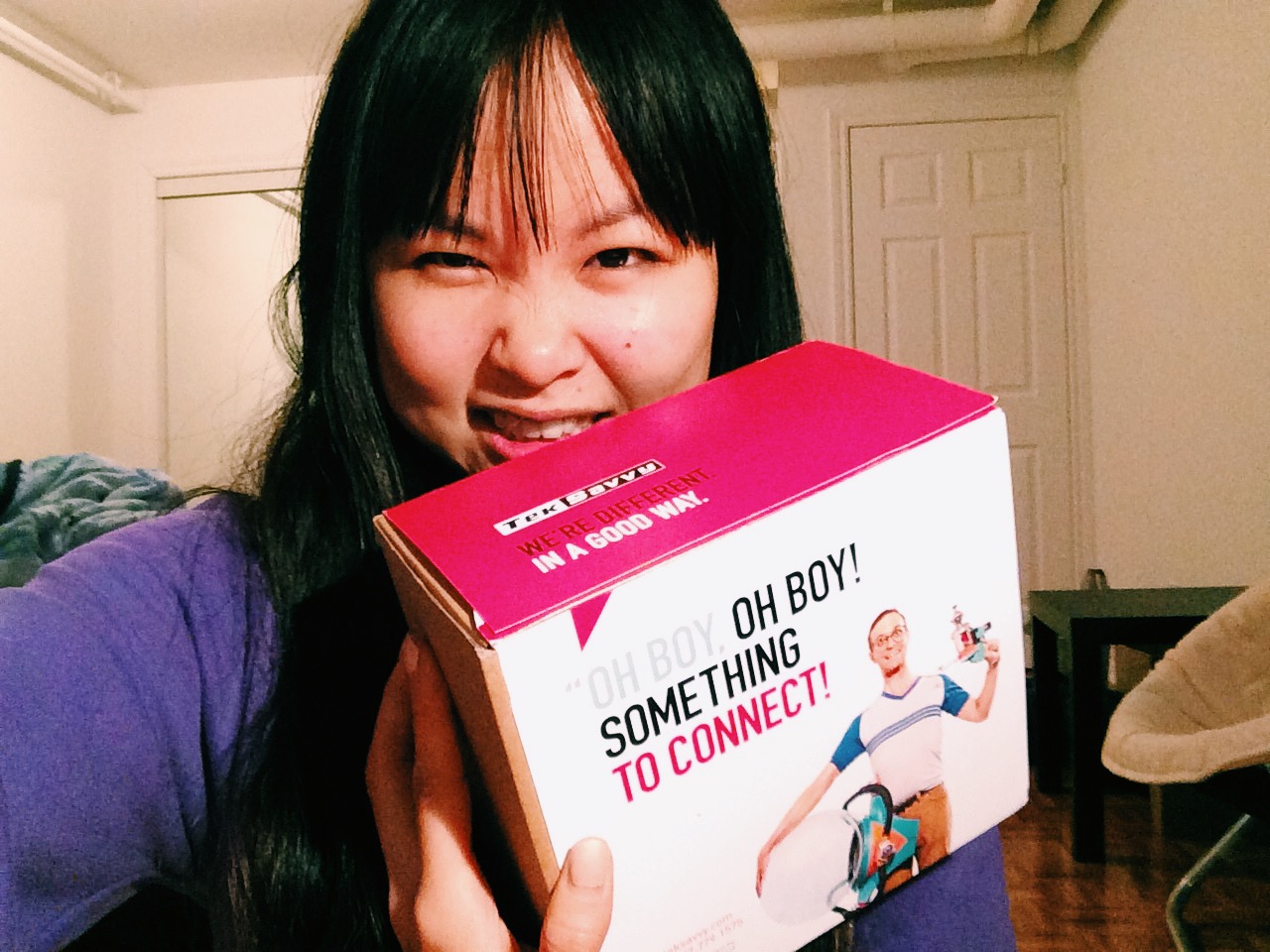
I finally became connected again with Teksavvy. As a first time user, I can honestly say that I was very happy with the customer service I received. They were able to accommodate the fact that I was only available on weekends for installation and I have a Mac Air with no ethernet ports. Within 10 minutes, I was connected. I love having 24/7 access to the internet again, but that doesn’t mean I won’t occasionally drop it to appreciate other things in life a little more.
Anyways, I have a backlog of delicious and pretty things to post, so lookout!
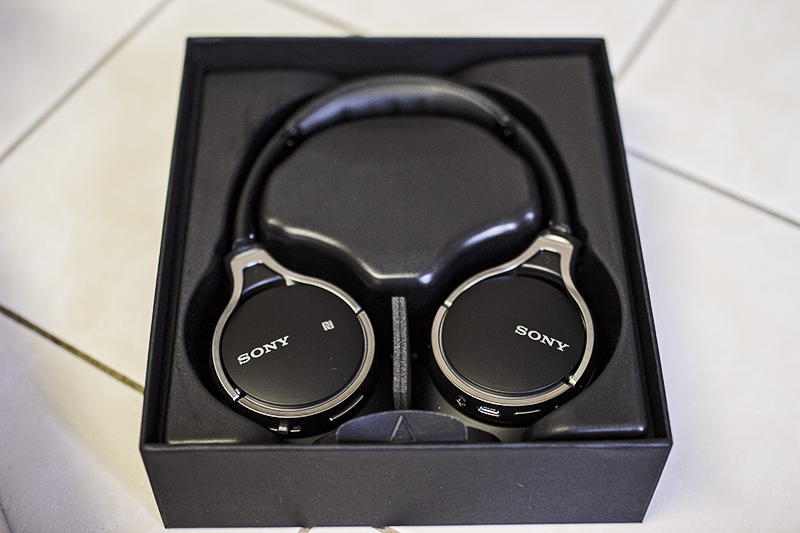
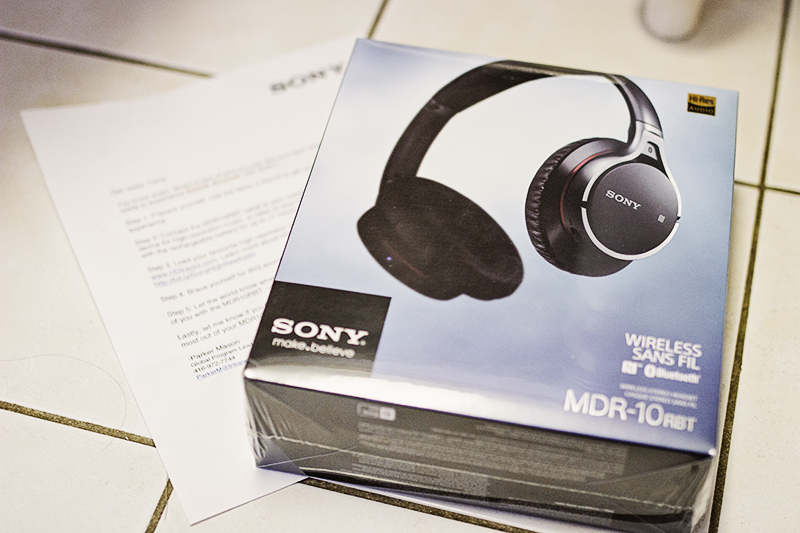
The biggest surprise was that they fit comfortably on my giant head, a serious problem I’ve had with other headphones like Skullcandy. They Sony headphones are light and the ear pads are soft and comfy. The band is loose enough that it doesn’t add too much pressure to my head.
These were the first wireless headphones I’ve ever owned and I found them very easy to set up with my iPhone. The rechargeable battery lasts for up to 17 hours of continuous play, so it would probably last a normal person a week without charging. While Bluetooth is activated, there are also volume, track control and answer call buttons that can be used. Included in the box is a cord if wired play is desired. There’s also a microphone on the headphones for answering calls. They do take a while to charge though with a laptop. However, the USB end plugs into my iPhone/iPad blocks without problem.
Now to get to the sound! While wired or wireless, I found that the mid to high-end sounds were crisp and amazing. I also swear to god that the headphones sound a bit different now than when I first tested them on my laptop and iPhone. I think they have a burn-in period where it auto-adjusts how it sounds. The bass is just how I like it, but I could see EDM listeners thinking it’s not “booming” enough. However, these headphones react well to EQ adjustments, so for those who want a little more of certain levels than that is an option.
Design-wise these are sleek and like I previously mentioned, super light. They ear cups swivel so that they can easily fold into the included portable carrying case. I’ll definitely be putting these in my purse.












 Tiana Feng